Comfort on your terms
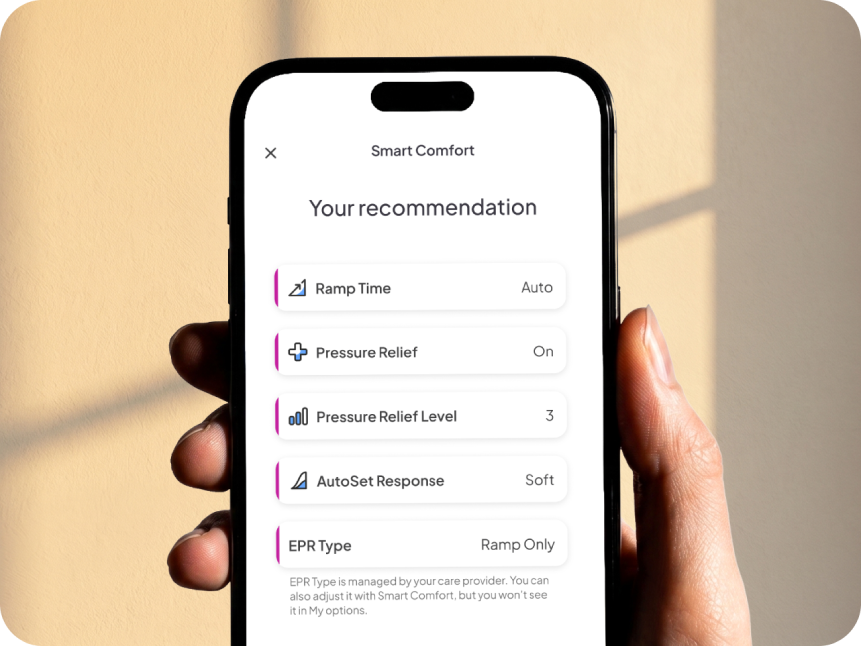
Everyone’s version of “comfortable” looks a little different. Now, with the Smart Comfort feature you can start therapy with comfort settings personalized to you. Smart Comfort recommends comfort settings such as ramp time and pressure relief to help reduce trial and error in your first nights of therapy. This means less time adjusting settings and more confidence focusing on your therapy.
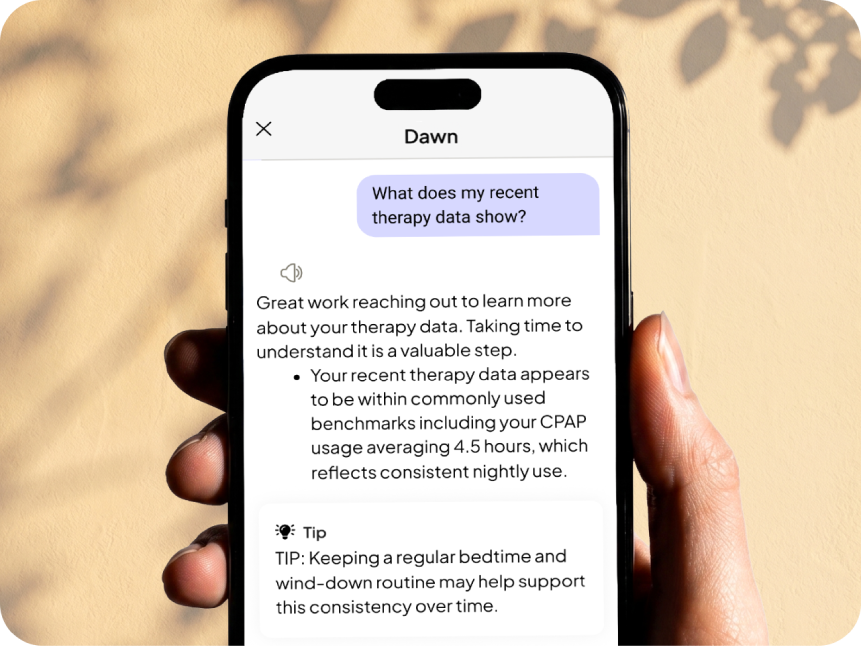
Of course, you can continue to personalize your comfort settings in the app through the Comfort Settings & Device Control feature. No more guesswork or fiddling with your CPAP equipment in the dark. Just you finding your comfort zone. People who personalize their Comfort Settings early are more likely to meet their CMS compliance usage in the first 30 days (claim from CAN beta). You can access the Comfort Settings & Device Control feature under Therapy Control in the Equipment tab.
Others have dialed in their therapy comfort settings and are loving it:
“The amount of control you have over many aspects of your sleep therapy is amazing. I tell people this machine does everything but make coffee.”
“Love the app. It gives you the power to adjust airflow and temperature then shows your sleep data the next morning, so you can keep improving.”
“Easy to use and saves time trying to contact the sleep center or adjust the CPAP machine directly.”
“Great way to adjust the machine to your desired level for better quality sleep.”
“It has made using the machine much easier and more comfortable.”