


AirCurve 11 ST and ST-A
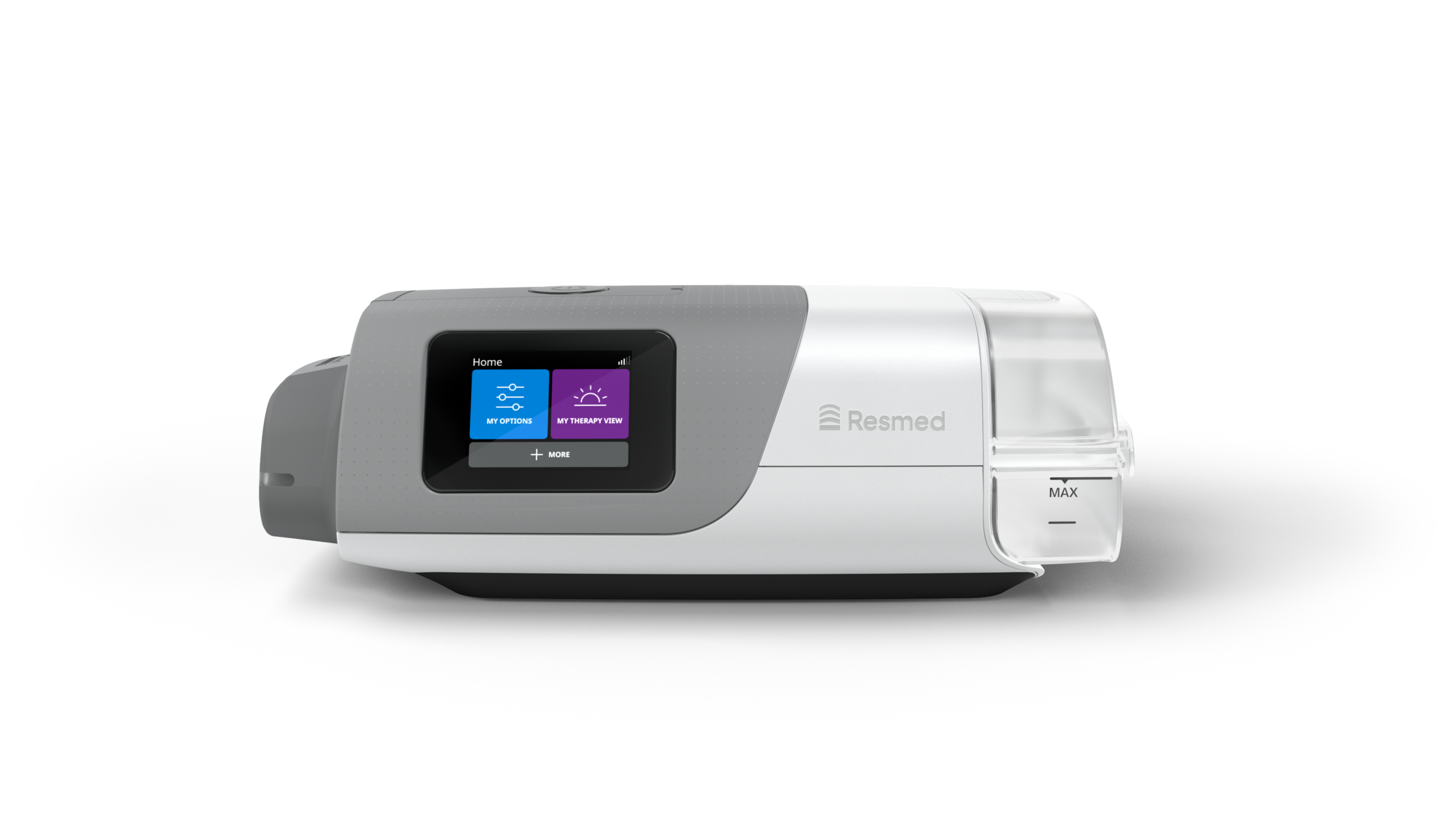
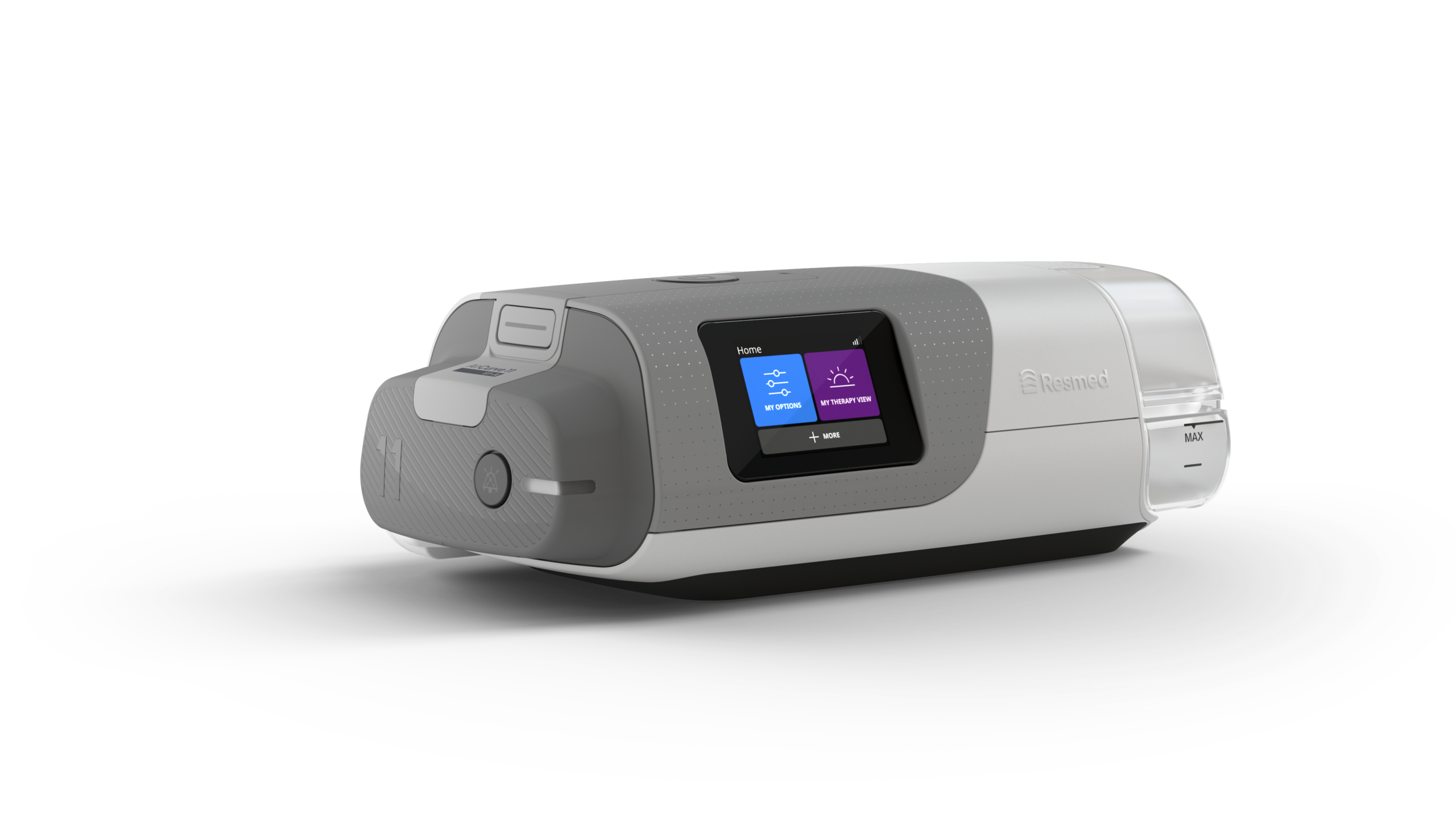
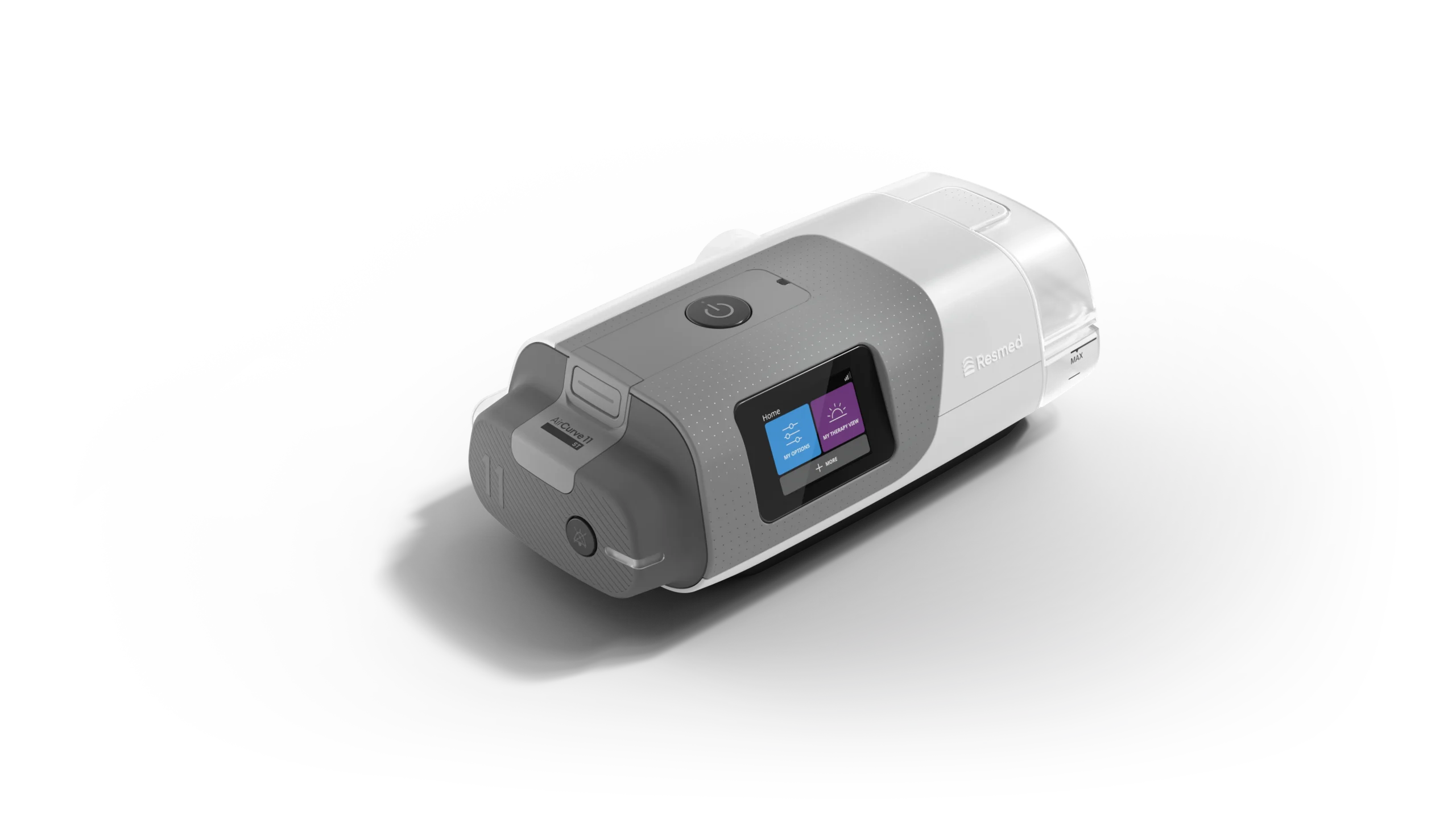
Resmed AirCurve™ 11 ST and AirCurve™ 11 ST-A are noninvasive ventilation devices built on the trusted Air11™ platform. Designed to help you start therapy with confidence and stay on track over time. With the AirCurve 11 ST and ST-A, you gain access to helpful digital tools like Personal Therapy Assistant† and Care Check-In†1 through the myAir™* app.
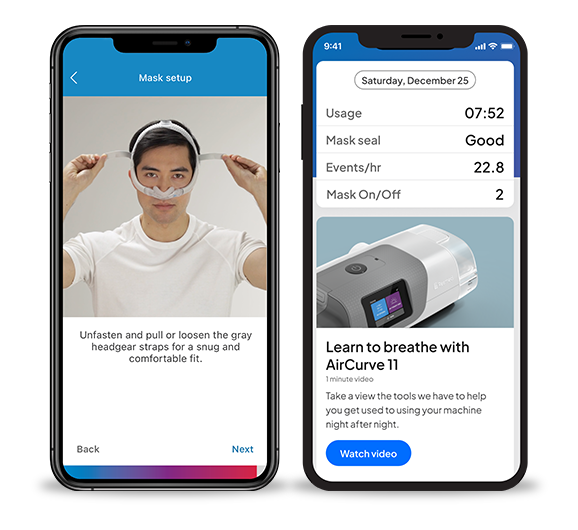
Support for your first steps with ventilation
Personal Therapy Assistant† (PTA) in the myAir* app guides you through device and mask setup with clear, step-by-step videos available anytime you need them. It also includes Test Drive, which lets you begin at a lower pressure and gradually build up to a higher pressure, check your mask fit, and help address mask leaks before you start your first real ventilation session.
An empowering solution
Starting ventilation can feel overwhelming. That’s why AirCurve 11 and the associated myAir* app help build your confidence, support daily use, and help you establish lasting therapy habits.
AirCurve 11 at a glance
Your AirCurve 11 ST or ST-A device is designed to deliver a positive, comfortable experience of ventilation with access to a wide range of features, tools, and personalized guidance:
Digital Support
- myAir* provides 24/7 access to educational videos, personalized coaching, and basic troubleshooting.
- Care Check-In†1 (via the myAir app) regularly asks simple questions about your therapy, helping you to resolve minor issues by directing you to self-help content while keeping your healthcare team informed.
- Over-the-air (OTA) updates allow your device to receive future software improvements remotely.
Device Design & Functionality
- Intuitive touchscreen for easy navigation.
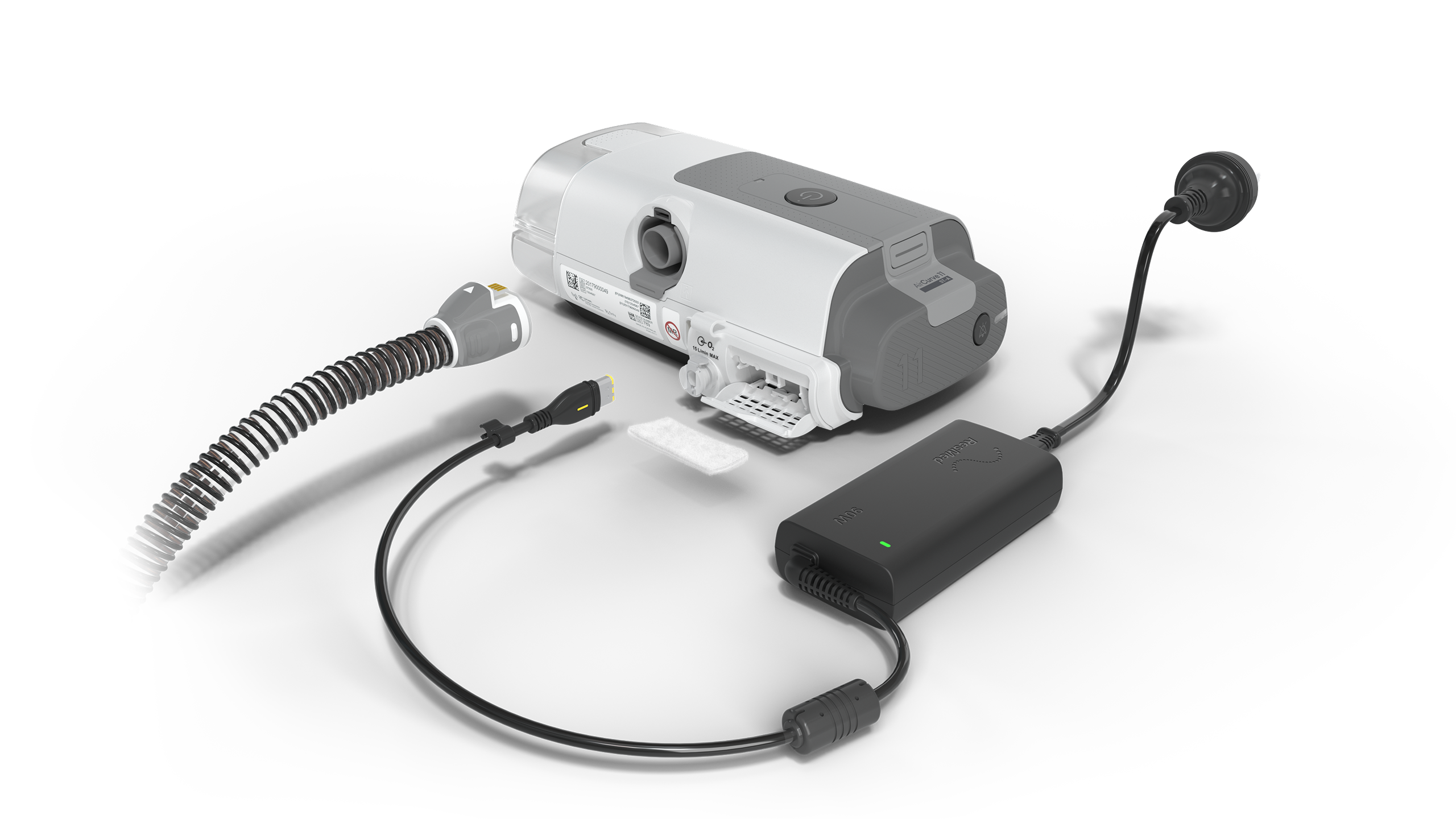
- Easily and securely connect supplemental oxygen—if prescribed by your doctor—using the dedicated port on the back of the device.
Comfort Features
- Integrated heated humidifier with Climate Control helps maintain consistent, customizable temperature and humidity levels to reduce dryness and protect against rainout.
- Ramp eases you into therapy by starting at a gentle pressure and gradually increasing to your prescribed therapy setting.
- Ramp Down provides a smooth transition when stopping therapy. Your care provider can set the maximum duration, and you can choose whether to activate it and for how long.
Please refer to the user guide for relevant information related to any warnings and precautions to be considered before and during use of the product.
How-to videos
For how-to videos and additional support documents, check out the AirCurve 11 ST and AirCurve 11 ST-A support pages.
Frequently asked questions
You need a prescription to get an AirCurve 11 ST or ST-A device.
If you encounter specific issues with your equipment, please contact your healthcare provider. The myAir app also features Care Check-In‡, which helps you resolve minor issues independently by directing you to relevant self-help content.
Masks in Resmed’s Versatile Fit, Minimalist and Freedom categories are compatible with AirCurve 11 ventilation and are designed to suit different lifestyle preferences, though it is best to confirm compatibility for your specific mask to determine the correct mask setting for your machine. The Personal Therapy Assistant† in the myAir app helps you achieve a good mask fit and seal with step-by-step videos specific to your Resmed mask.
Use the touchscreen on your AirCurve 11 ST or ST-A device. With Climate Control, you can personalize your humidification settings by choosing between a range of preset comfort levels or using manual mode. You can also customize the initial pressure and duration of the Ramp process to ease into therapy, or use Ramp Down to ease the transition to spontaneous breathing when stopping therapy.
Personal Therapy Assistant† (PTA) is available in the myAir app and provides step-by-step videos to guide you through setup. PTA includes Test Drive, which allows you to get familiar with therapy and check your mask fit before you start. You can also use the Device check on the device to get direct feedback that your machine is functioning as intended. Contact your healthcare provider if issues persist.
We are committed to protecting your data and your privacy. We comply with strict regulatory requirements and rigorous certification standards to ensure your health data is kept secure. For more information about how personal data is collected, used, and protected, please refer to the Resmed Data Privacy Framework Notice on our website.
References
1. Care Check-In data available in AirView upon patient consent.
AirCurve 11 ST and ST-A devices may not be available or approved in all regions. Check local product listings for availability.
* The Resmed myAir app is available in English and Spanish in the US. The Resmed myAir app for Canada is available in English and French.
† Some features of Resmed myAir are only available in the myAir app.
‡ Apple and the Apple logo are trademarks of Apple Inc. App Store is a service mark of Apple Inc. Google Play and the Google Play logo are trademarks of Google LLC.